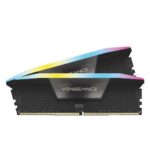
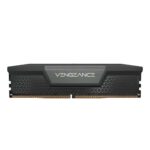
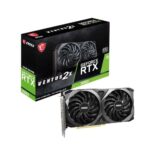
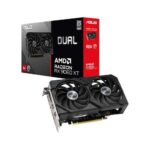
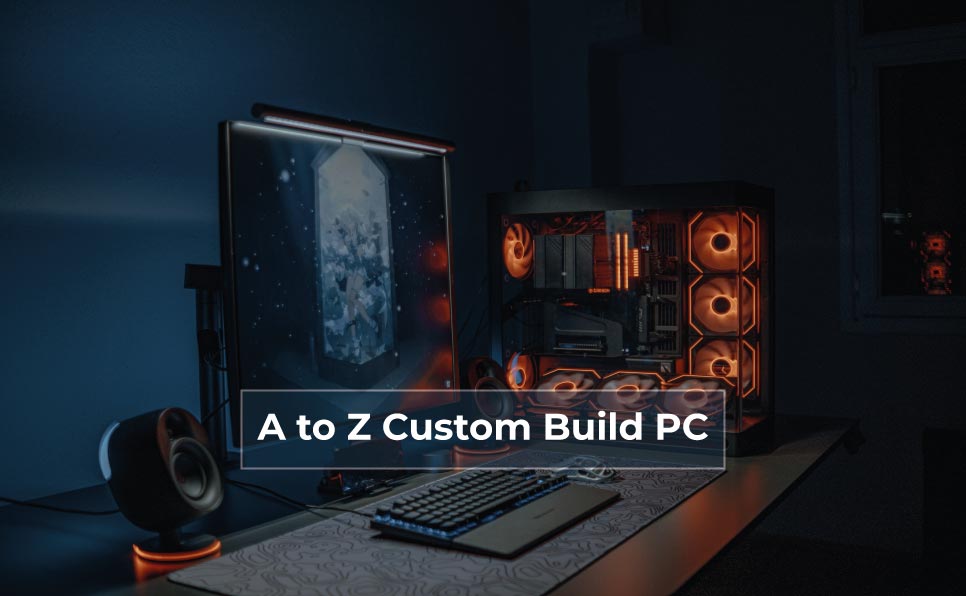
Custom build a PC is among the most intelligent choices you can ever make if you desire complete control in terms of performance, quality, upgrades, and budget. A custom-built PC also enables you to choose all the parts according to your specific requirements as a gamer, professional, content creator, student, or business user, unlike a pre-built computer that offers only a few options.
This is a very comprehensive article that tells you all about the process of putting together a PC in a custom way, even when you are a total beginner. Planning and part selection to assembly, optimization, troubleshooting, long life maintenance are all in this guide.
Why Build a Custom PC?
The Performance that Meets Your Requirements.
Custom PCs are also customized according to a purpose, be it gaming, editing, programming, 3D rendering, or office use, and will never purchase a component that is not needed.
Better Value for Money
You do not have to spend money on branding and unwarranted software, but invest in the quality and performance of hardware.
Easy Upgrades in the Future
Custom PCs enable you to add RAM, storage, a graphics card, or a CPU without having to swap out the whole system.
Premier Cooling and Dependability.
Improved air circulation, quality power systems, and effective cooling will lead to increased life time of the system.
Who Should Build a Custom PC?
Gamers
Higher FPS
Better graphics quality
Smooth multitasking
Content Creators
Faster video rendering
Smooth timeline playback
Efficient multitasking
Professionals & Developers
Faster compilation
Stable performance
Virtual machines support.
Home & Office Users
Quiet operation
Energy efficiency
Long-term reliability
Learning PC Components in Detail
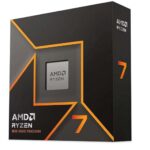
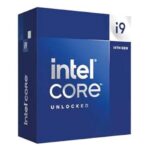
1. Processor (CPU) - The Brain of the PC
All calculations and instructions are performed in the CPU. (Intel vs AMD)
Intel CPUs – Powerful single-core performance, good enough to play games.
Definitely, both in terms of performance and long-term.
What will be the time required to assemble a PC?
Usually 2-4 hours in the case of beginners.
How to Install Operating System & Drivers?
Install Windows or Linux
Update BIOS (if required)
Install chipset and GPU drivers
Enable RAM XMP/EXPO profile
What are the Common PC Building Mistakes?
Buying incompatible parts
Cheap power supply
Poor airflow planning
Overpaying for RGB
How to assemble your Custom PC ?
Install the CPU on the motherboard
Mount the CPU cooler
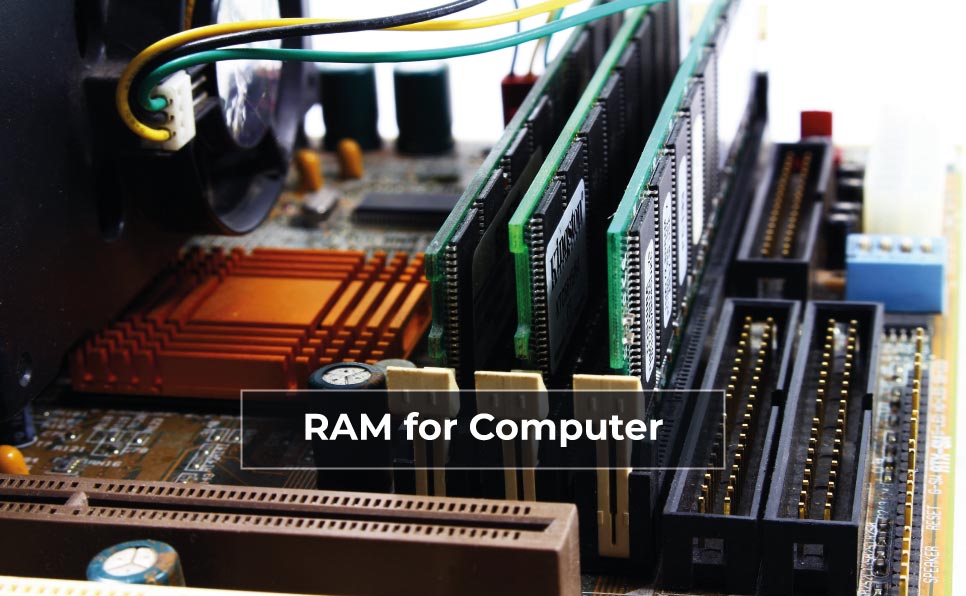
Insert RAM modules
Install the motherboard into the cabinet
Install PSU
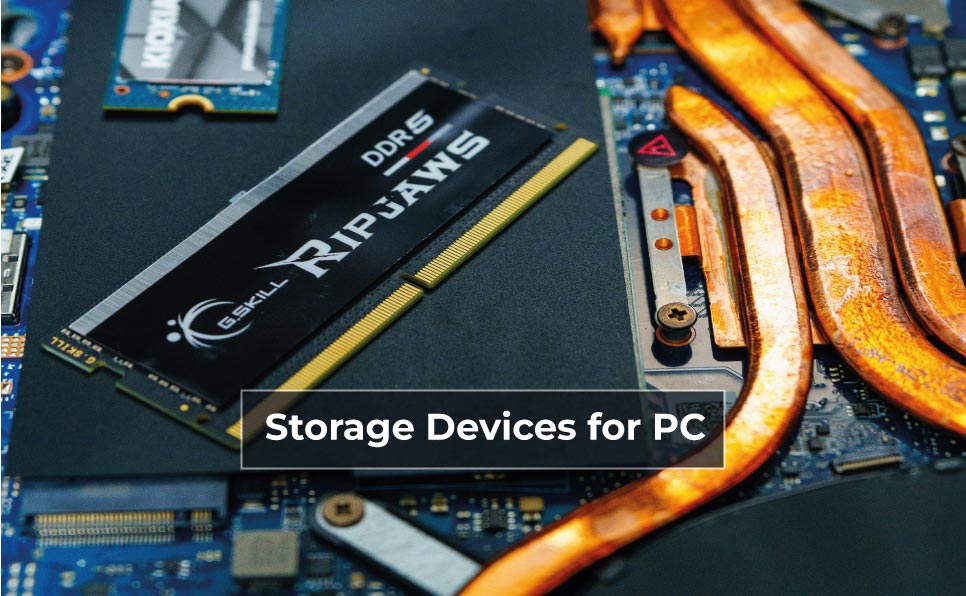
Add storage devices
Install GPU
Connect all cables
Power on the system
Bottomline
Custom build PC is not a computer, it is a performance, reliability and flexibility investment that will last years. Be it a gaming monster, a professional workhorse or a high-quality office computer, custom-building your own system will show that every rupee or dollar will be put into good use.
A custom PC can easily go through several years particularly with proper planning and the right components, and keep pace with your increasing needs.
AFFILIATE DISCLOSURE
There may be affiliate links on this page. We might receive a small commission at no additional cost to you if you click on a link and make a purchase. These commissions enable us to continue offering helpful content, reviews, and suggestions. We only advertise goods & services that we think provide our customers with quality & value.